Most beginners stop before their first sale for the same reason. Mark Ling, who has earned affiliate commissions since 1999, built AffiloEngine to fix it. Its tools make your pages, emails, pictures and video ads, and Ryan, your AI coach, tells you what to do next.

Dear friend,
In 1999 my friend Charlie showed me something that changed my life.
People were making money online by recommending products that other people had made.
They didn't make the product or ship it. They just recommended it, and when someone bought through their own special link, they were paid a share of the sale.
On digital products, that share is often half the price or more.
I tried it. It worked, and it grew into a business that has made me millions of dollars.
Since then I've promoted products about dog training, dating, learning the guitar, learning a language, wedding speeches, saving a marriage and self-hypnosis, and I've spent a lot of those years teaching other people to do the same.
That's how I know where most people get stuck. Picking a product usually takes them an afternoon. What stops them is everything they have to make before anyone will buy it.
Your affiliate link can't sell anything on its own. Before someone clicks it, they need a reason to. Somebody has to write a page that gets them interested, and emails that bring them back a few days later, when they're ready to buy.
Somebody has to make the pictures too, and these days a short video ad as well.
When you're starting out, you're the one who has to make all of it.
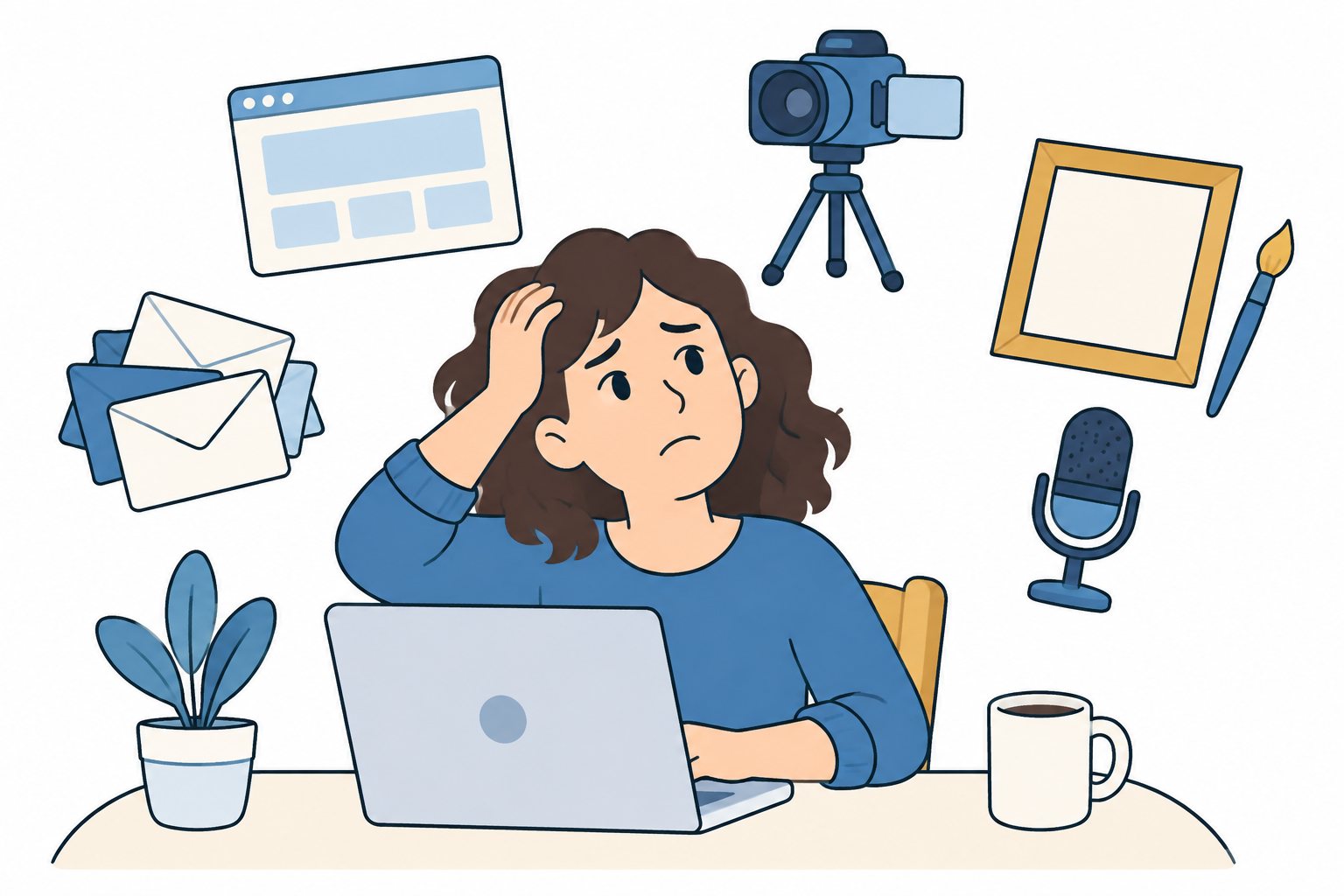
This is where most beginners give up.
Most beginners have never written a sales page or designed a banner ad, and plenty of them would rather do almost anything than talk to a camera.
Some try to learn it all at once and give up. Others pay freelancers and spend more on the bills than they earn from their first commissions.
I wanted to fix that, so my team and I built AffiloEngine.
AffiloEngine is a members area with ten tools in it. Between them they make the things you need to promote a product.
The tools write the words and make the pictures, voice-overs and videos. You still choose the product, and nothing goes out with your name on it until you're happy with it.
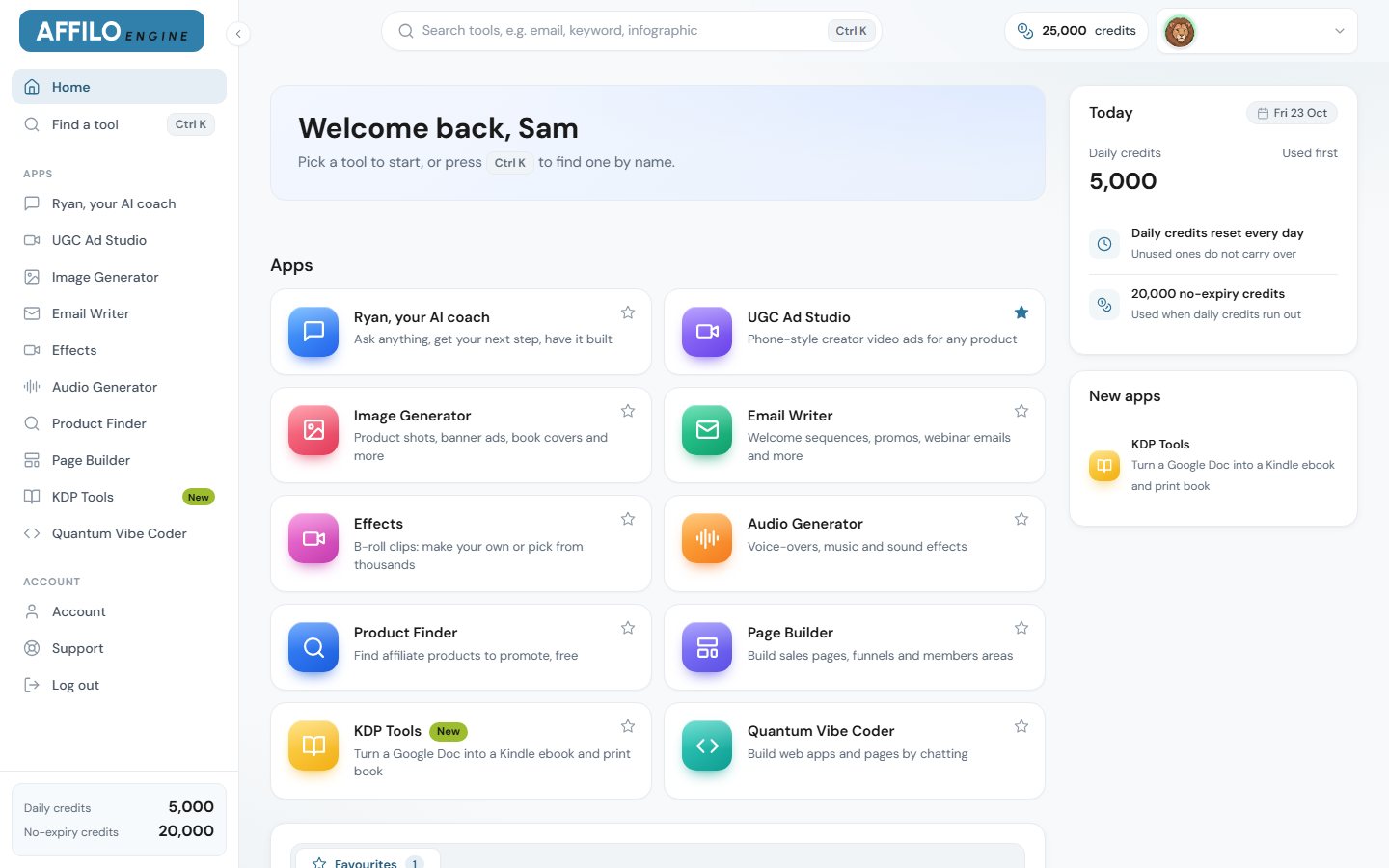
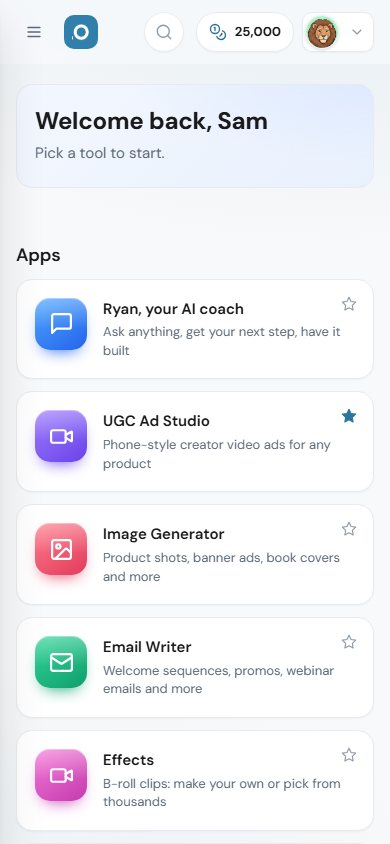
Inside the members area: ten tools you reach with one login, on your computer or your phone.
Let me walk you through one product from start to finish, and I'll tell you what each part costs as we go. Let's say you want to promote a dog training course.
Open the product finder and you'll see over 1,200 affiliate products. For each one you can see how much affiliates earn per sale on average, its category, and a score for how many affiliates have made sales with it lately. A high score means it's selling now.
When I took the picture below, a sleep supplement near the top of the list was paying affiliates about $140 a sale on average.
Filter by category, sort by what matters to you, and pick one. For our example, you'd pick a dog training course.
Cost: free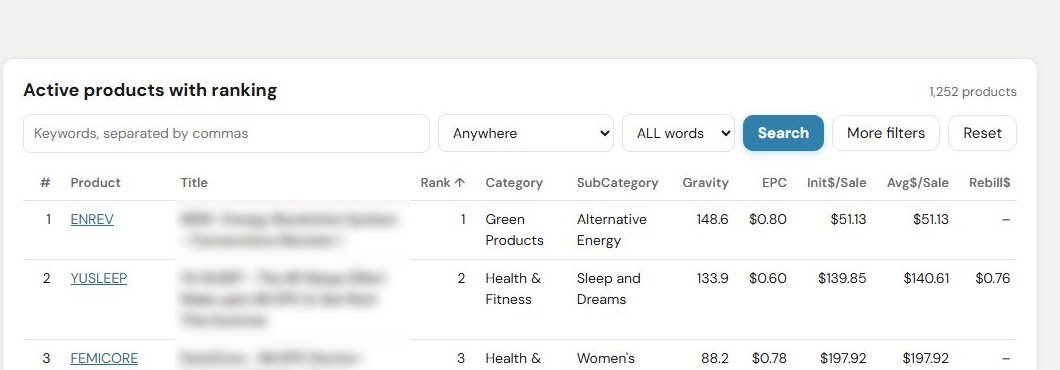
The top of the product finder's list on 23 October 2026 (product titles blurred). The circled figure is what affiliates were earning per sale for that product.
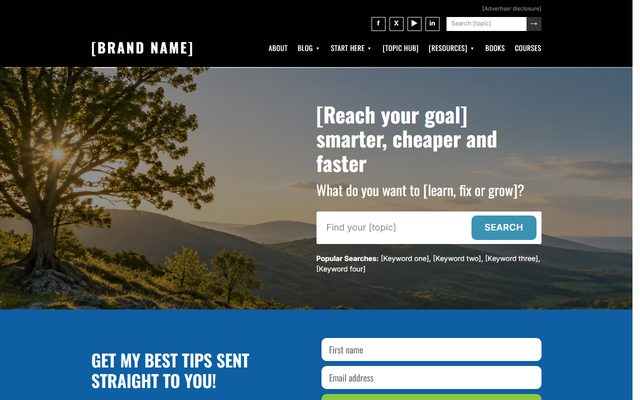
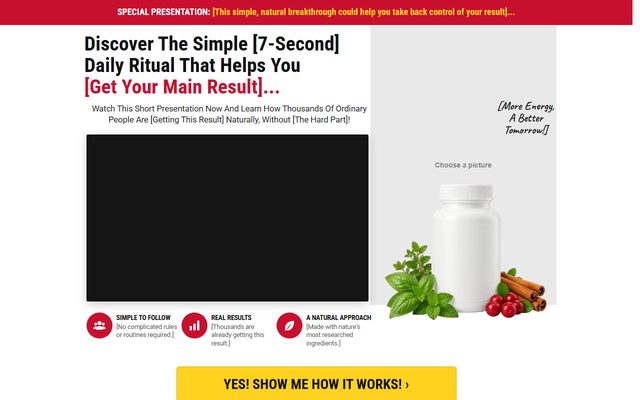
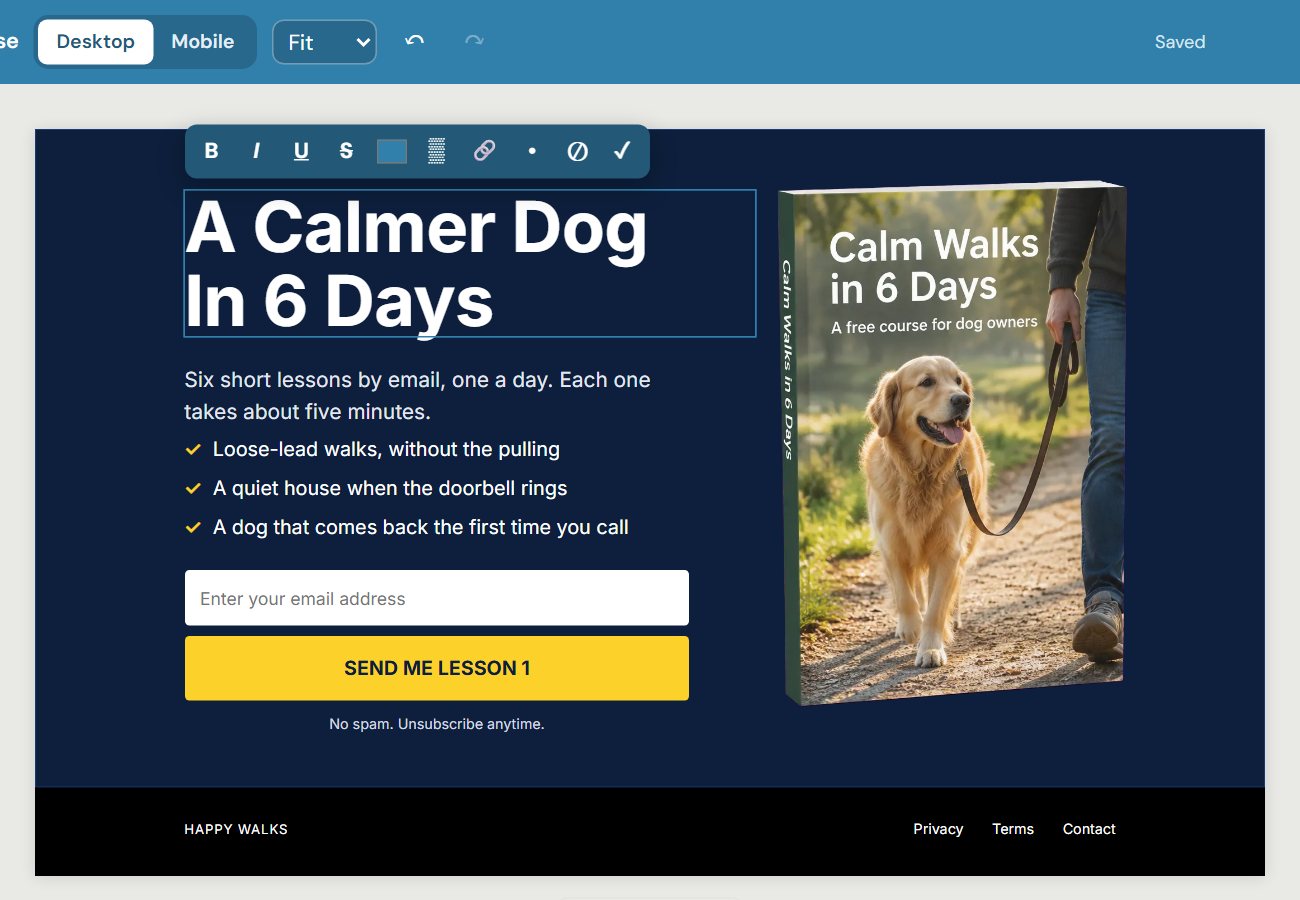
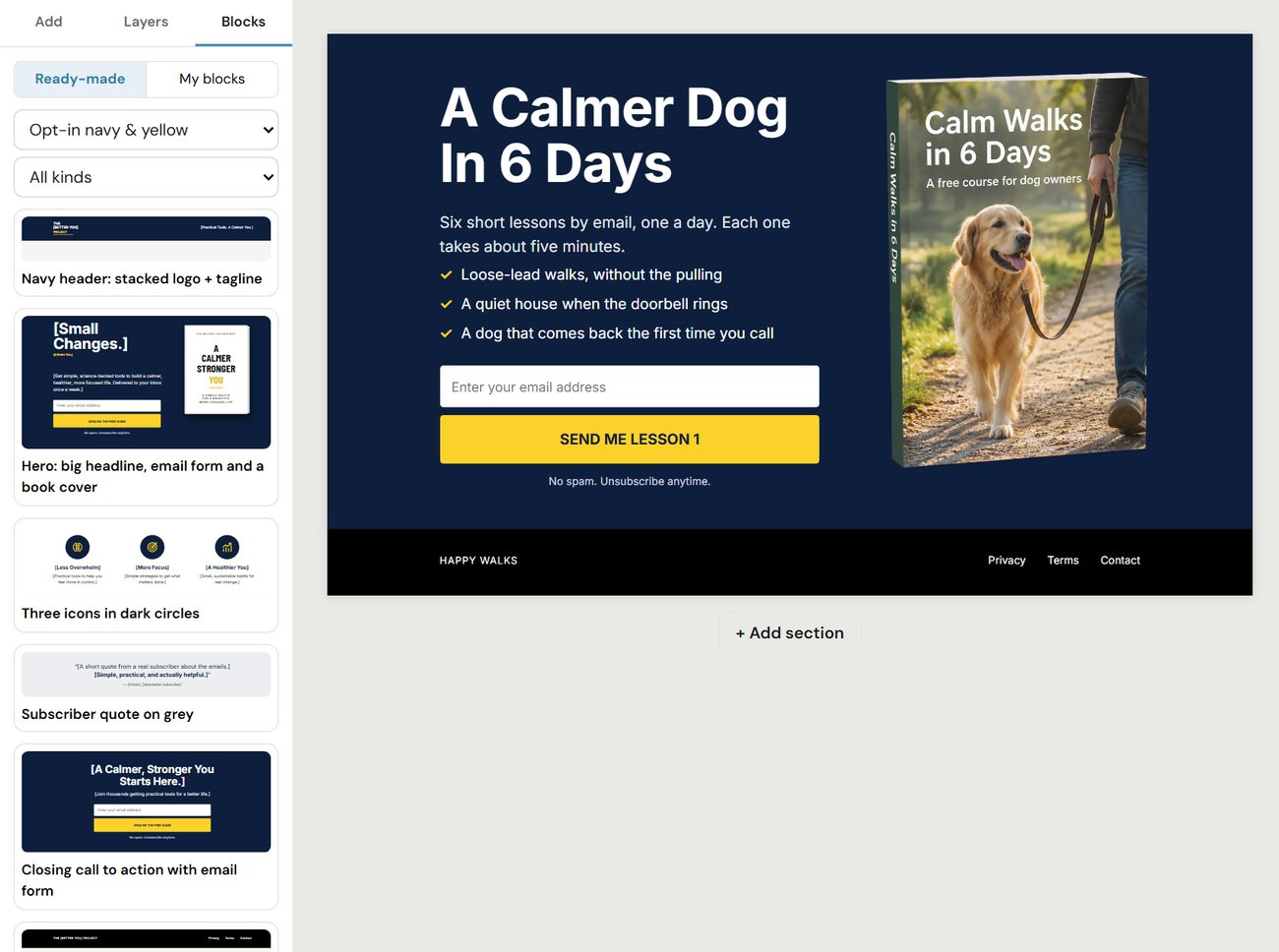
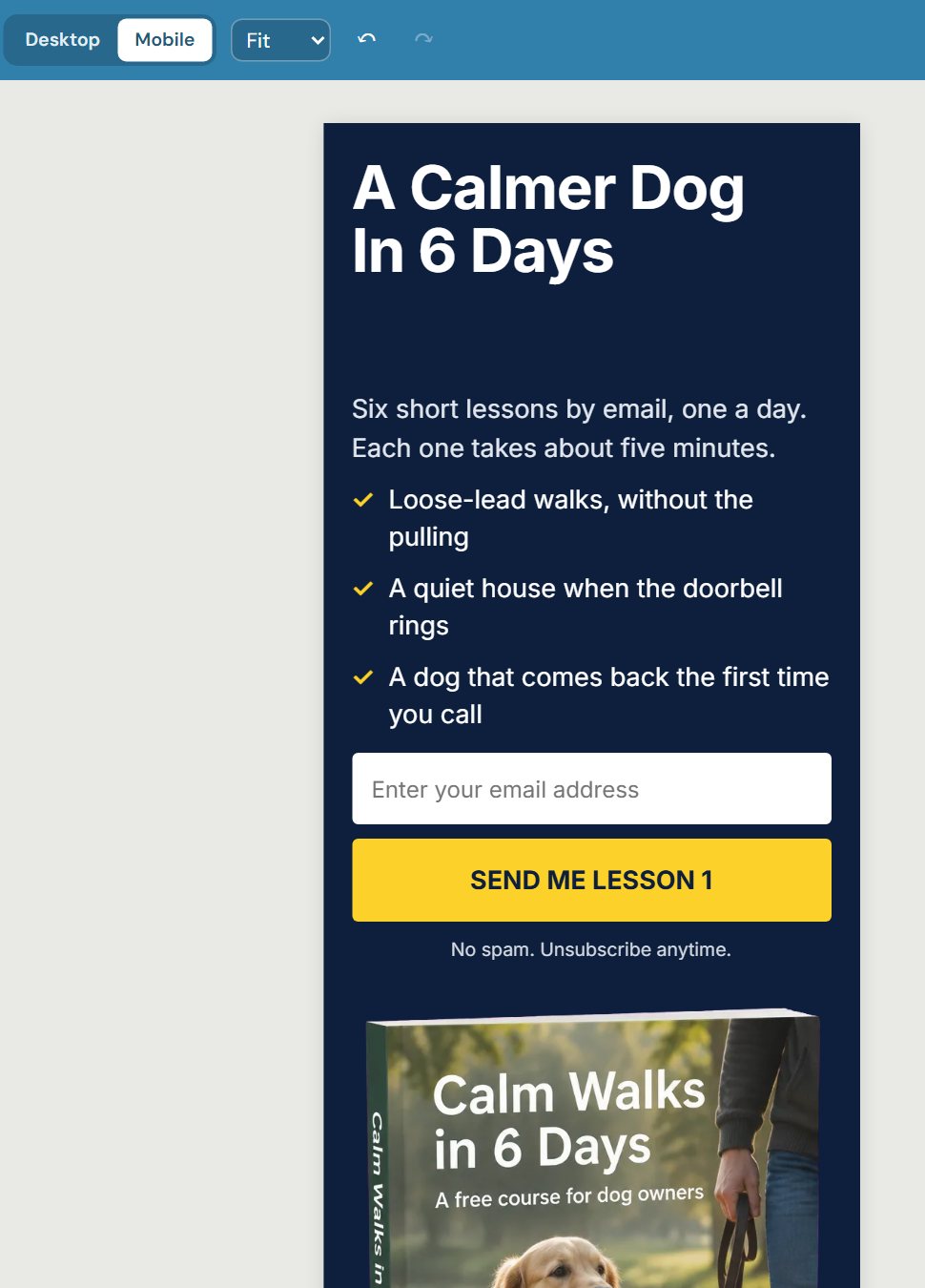
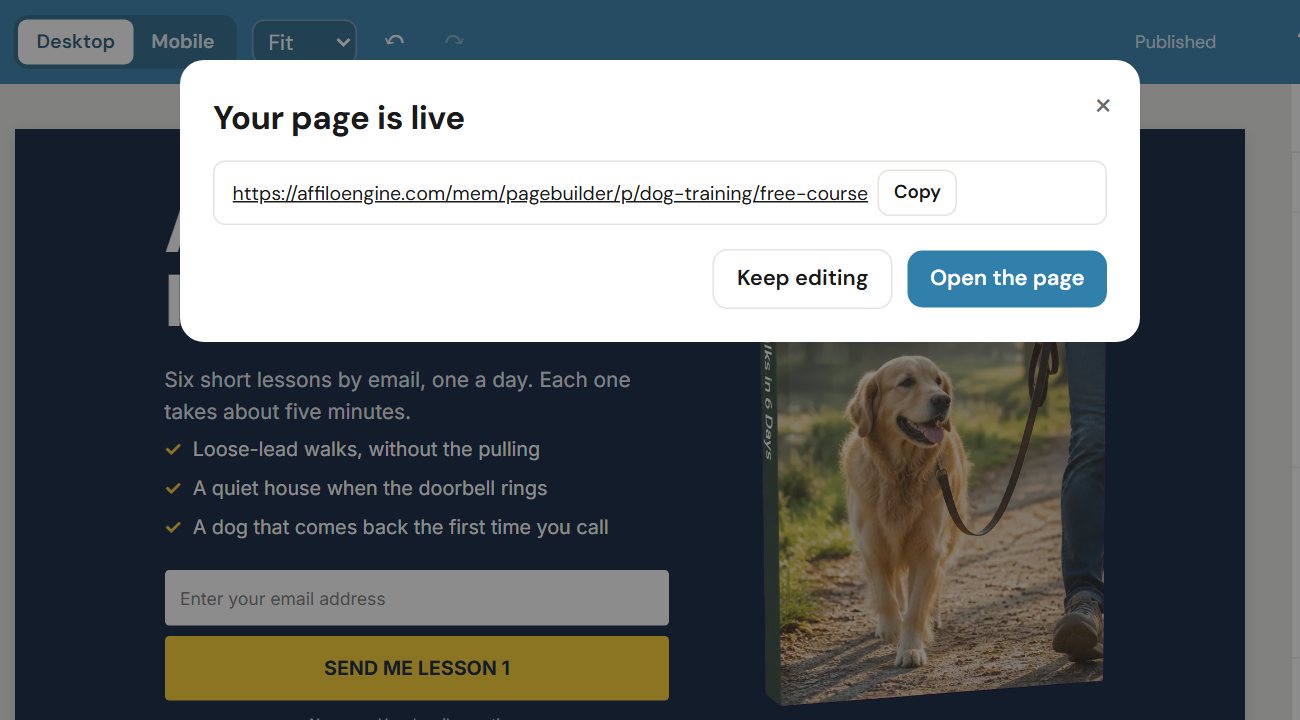
In Page Builder you choose a ready-made template, change the words and pictures, and press Publish. Your page is live on the internet straight away.
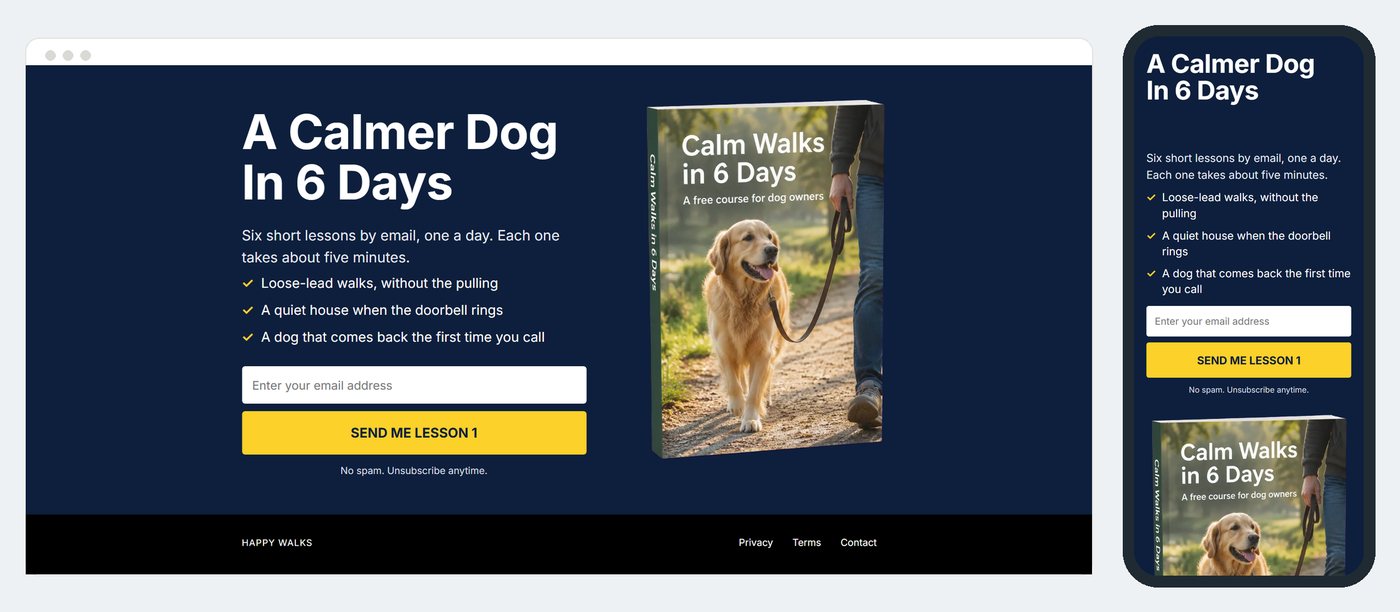
We host it for you, so you don't need a website of your own, and every page has its own phone layout, so it looks right on a phone too.
If you're not sure what to write on it, ask Ryan (you'll meet him in a minute) and he'll write the words for you to paste in.
Cost: free. Page Builder never uses credits, and that includes hosting.Here's the whole job for the dog training example, from template to finished page.
Swipe or use the arrows
Most people don't buy the first time they see a product. They buy after they've heard from you a few times.
Since 2005 I've used a six-day email mini course for this: six days of useful tips, each one with a link to the product.
Email Writer writes sequences like that for you, plus welcome emails, promotions, webinar invitations and broadcasts. There are 34 kinds to choose from, and you can change any word before you use them.
Then you copy them into whichever email service you use to send emails to your list.
Cost: about 20 to 550 credits for a six-day course, depending on the writing level you choose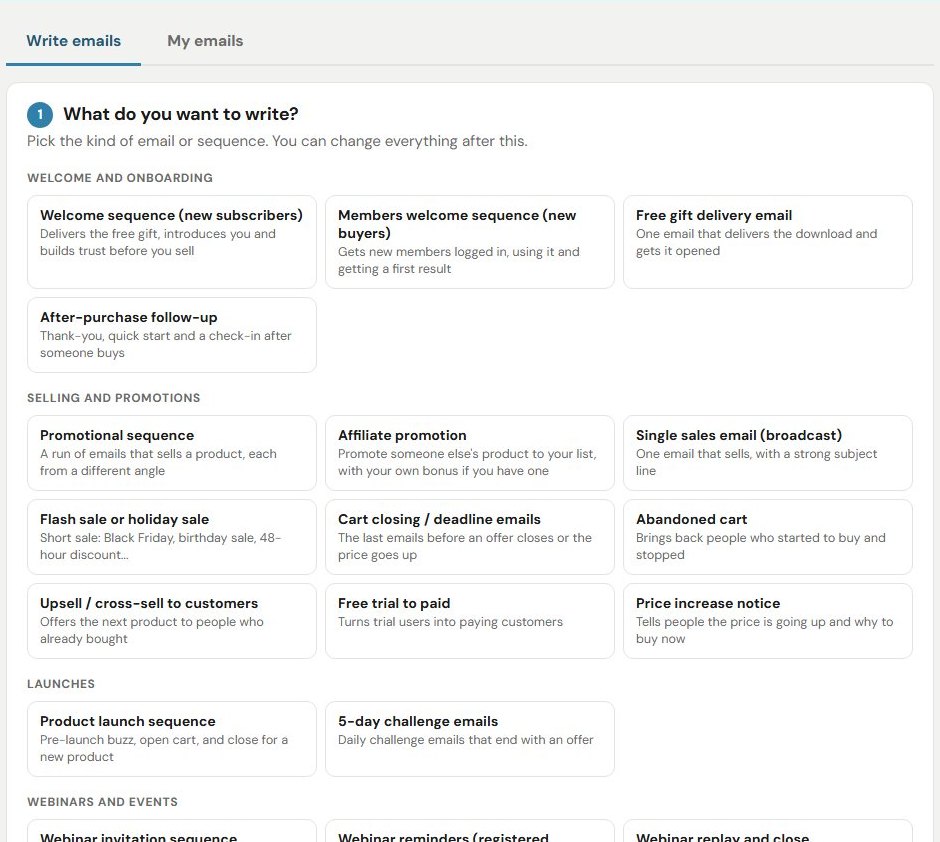
Some of the 34 kinds of email in Email Writer.
Your page needs a picture of the product, and your ads need banners. Image Generator makes them from a sentence.
It has 11 kinds of picture built in, including 3D product shots, banner ads, YouTube thumbnails, before-and-after pictures, book covers and quote cards.
Cost: 10 credits for a standard picture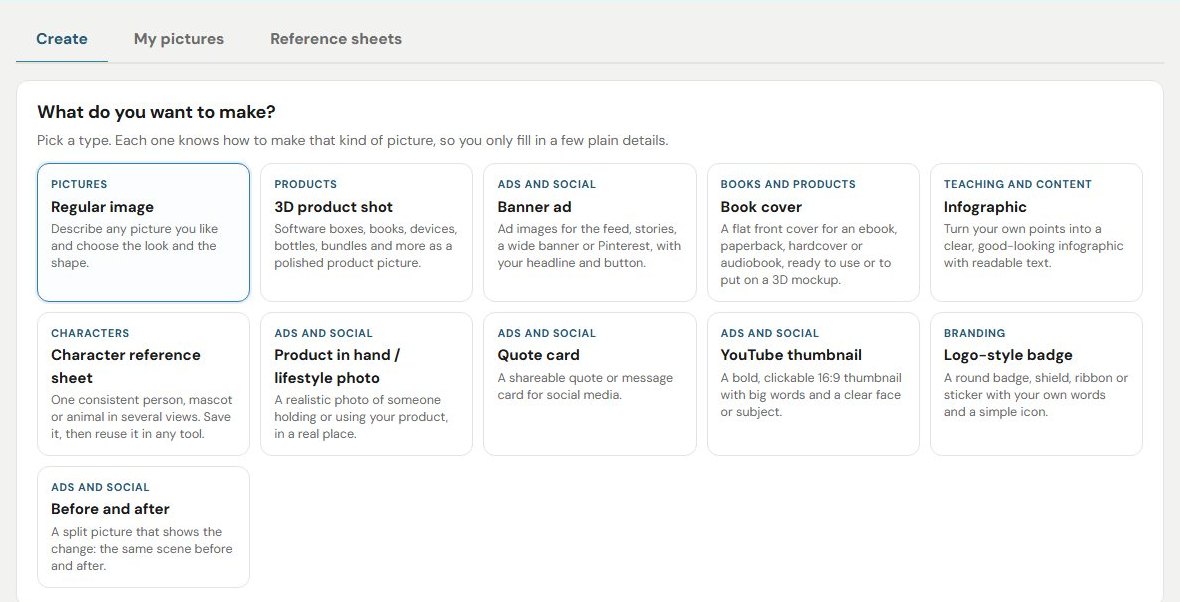
The 11 kinds of picture in Image Generator.



For our dog training example: a banner ad, a YouTube thumbnail, and a 3D box for the free six-day course you give away on your page.
It works the same way for whatever product you choose. Here are some pictures made for other products.


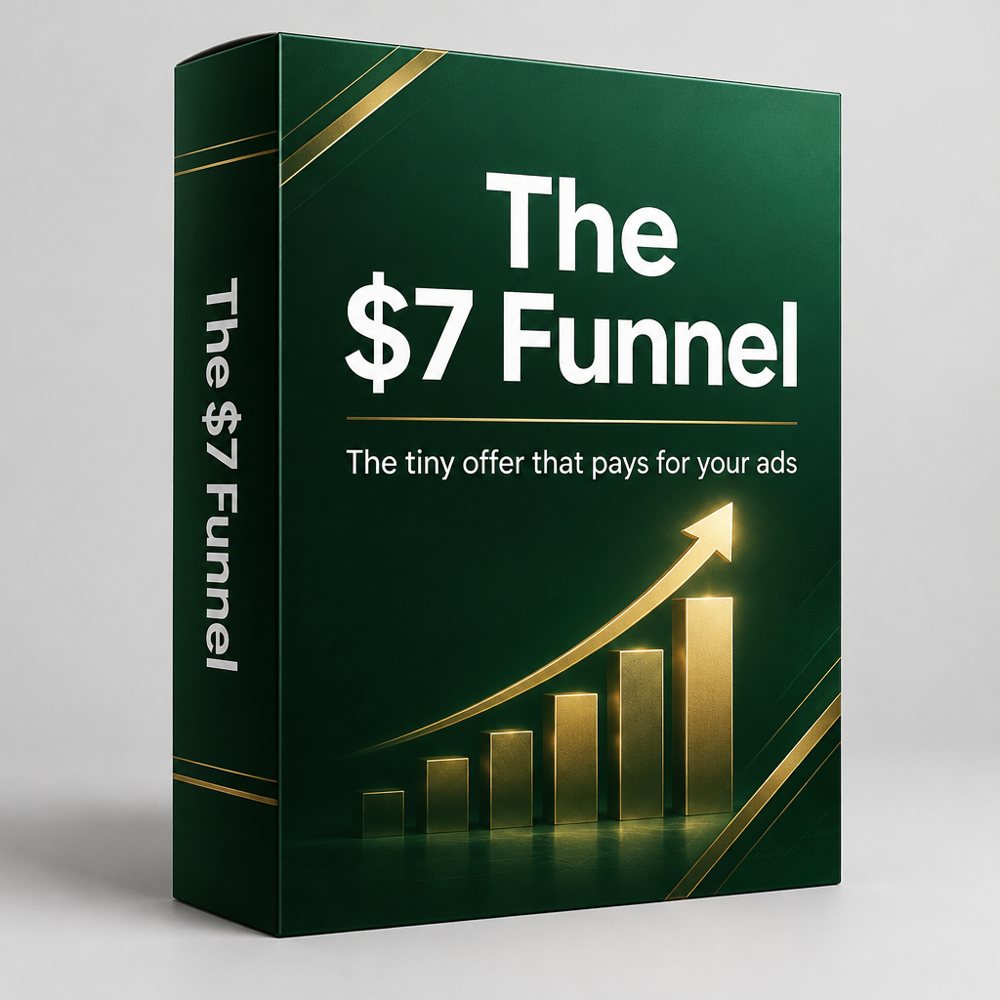

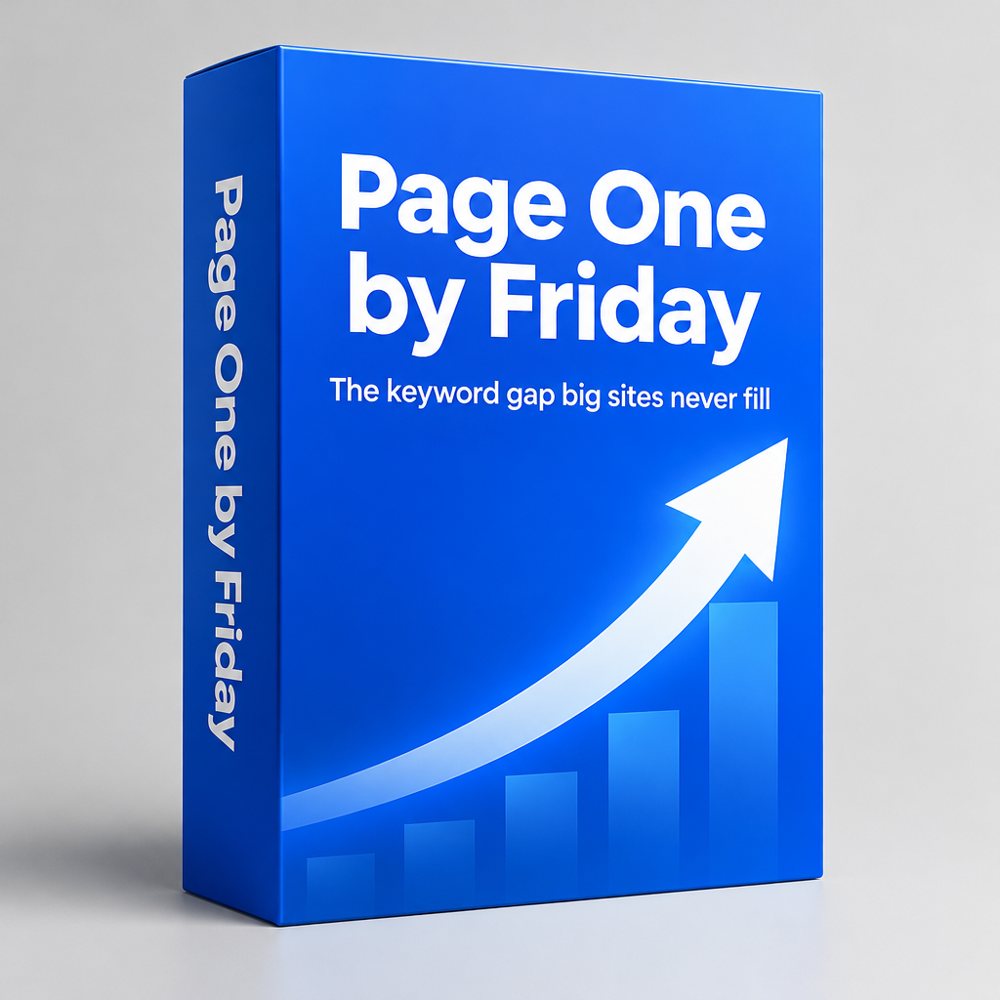

All made in Image Generator, each one from a sentence or two.
You've seen ads where someone holds up a product and talks about it to their phone. Marketers call them UGC ads, which is short for user-generated content.
They sell well, which is why you see so many of them, and normally you'd need to find a creator, send them the product and pay them for every video.
In UGC Ad Studio you paste in the product's web address. It writes three scripts for you to choose from.
You pick a voice and listen to it first, then it makes a video of a person talking about the product, with captions.
Any close-ups of the product use its real pictures, so the label looks right. If you want to change the words afterwards, you can.
Your ad can be 15, 30, 45 or 60 seconds long, or any length you choose up to three minutes.
Real ads made in UGC Ad Studio. Tap one to hear it.
Cost: about 700 credits for a 15-second ad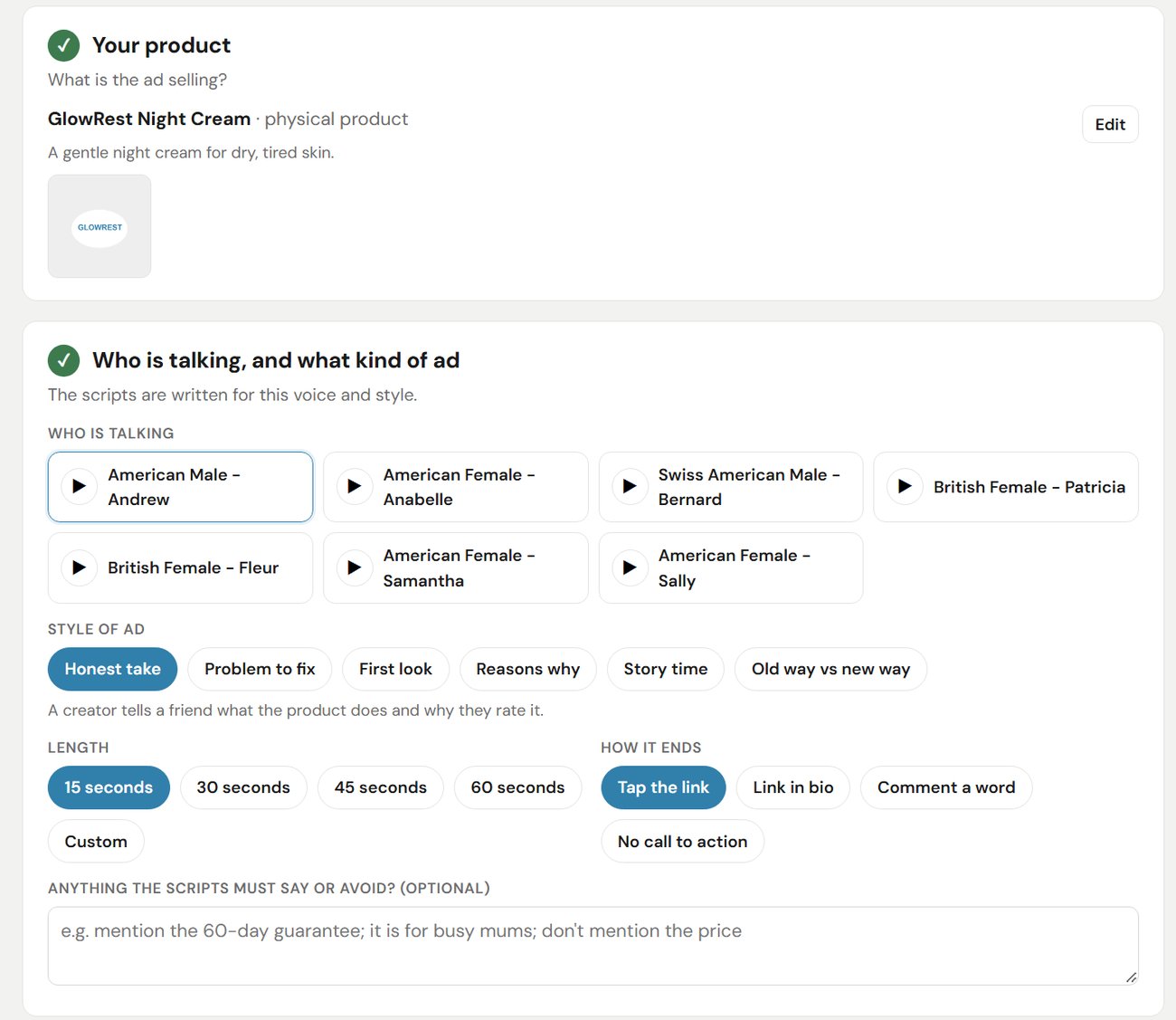
Setting up a video ad in UGC Ad Studio.
You also get Audio Generator for voice-overs, music and sound effects, and Effects, which has more than 5,900 ready-made B-roll clips. B-roll is the short background footage you show while someone is talking.
Two clips from the B-roll library, ready to add to a video.
Cost: 5 credits per B-roll clip you downloadBy now you have a page, six days of emails, pictures and a video ad for one product, and you haven't hired anybody.
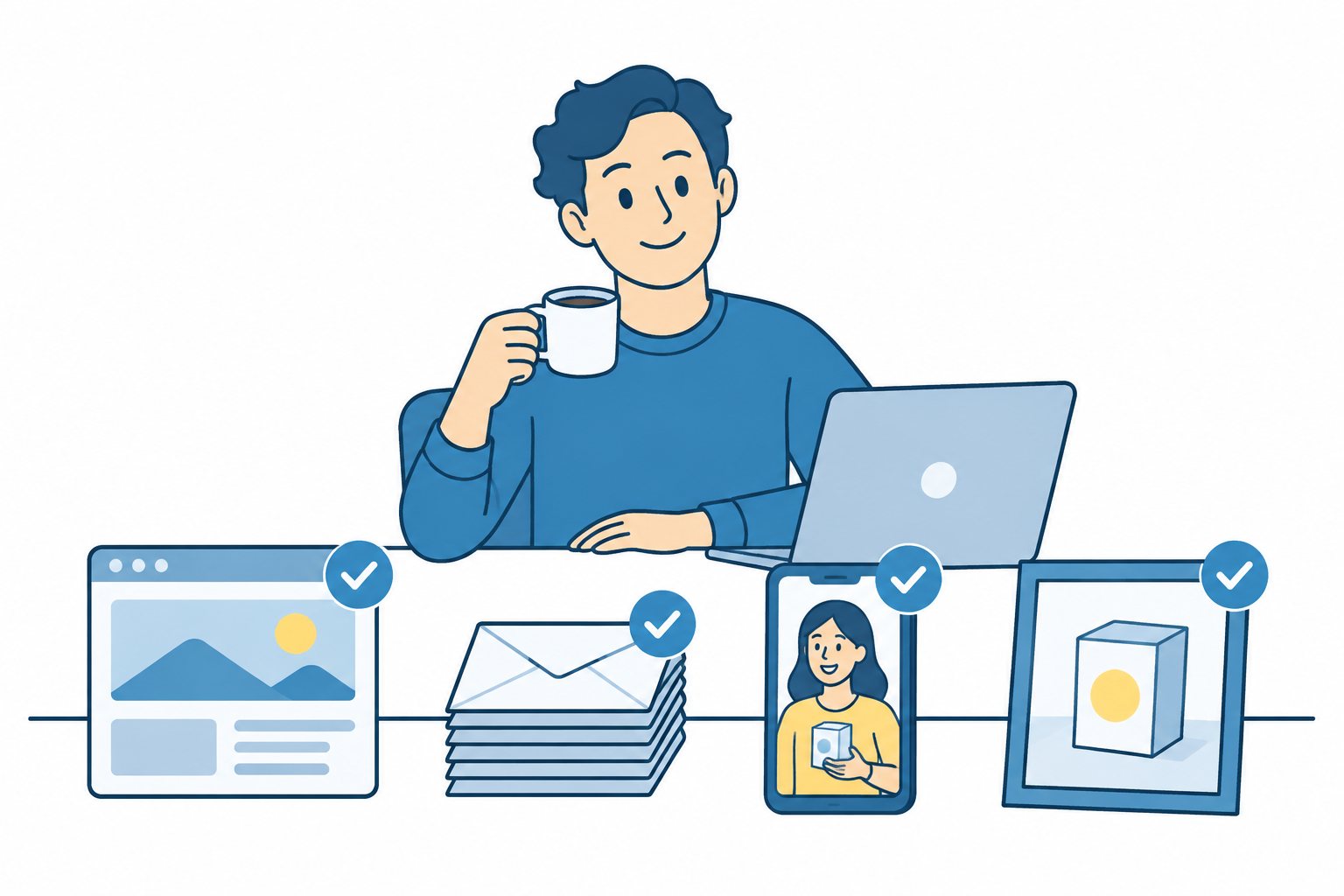
The same jobs as the picture near the top of this letter, all done this time.
Then comes the question I hear more than any other when I'm helping someone new: "What should I do next?" That's why we built Ryan.
Ryan is an AI coach trained on the way I do affiliate marketing. You can ask him which product to promote, what to write on your page, why nobody is clicking, or how any of the tools work, and he answers straight away.
He'll also look over your page and tell you what to fix, and he can research a niche or write the words for you.

Ryan's real answer when I asked him that question, shortened and tidied a little.
Asking Ryan questions is free. If you ask him to make something for you, he shows you the price first and only goes ahead when you say yes.
There's a Question button on every AffiloEngine tool, so he's always one click away.
If you're brand new, AffiloEngine gives you a way to get your first product promoted without learning five different skills first.
Every tool starts from plain words, and Ryan is there when you get stuck.
If you already promote products, the slow part is making enough ads to find the one that sells. UGC Ad Studio writes three scripts for every product, and on the Gold plan your daily credits cover a new 15-second video ad every day.
Paid yearly, Gold works out at about $1.64 a day, when one video ad from a freelancer usually costs $100 or more.
Page Builder has split tests built in, so you can run two versions of a page side by side and keep the one that sells more.
And if you sell a product of your own, you can build its sales page, the members area your customers log in to, your launch emails and the video ads that send people to it, all with one login.
If your product is a book, KDP Tools turns your Google Doc into a Kindle ebook and a print-ready paperback, and Image Generator makes the cover.
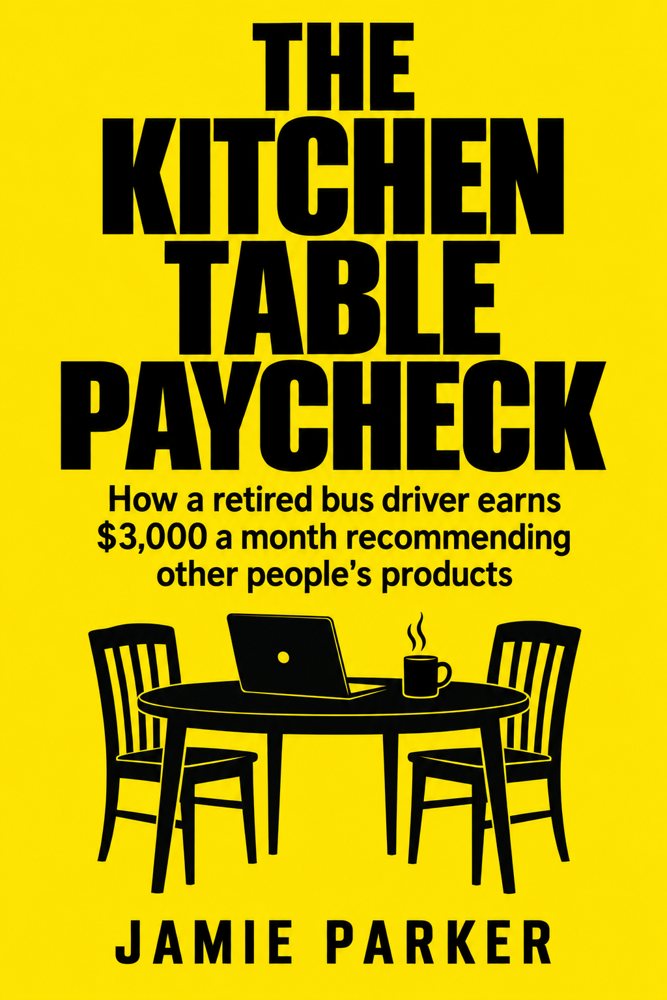
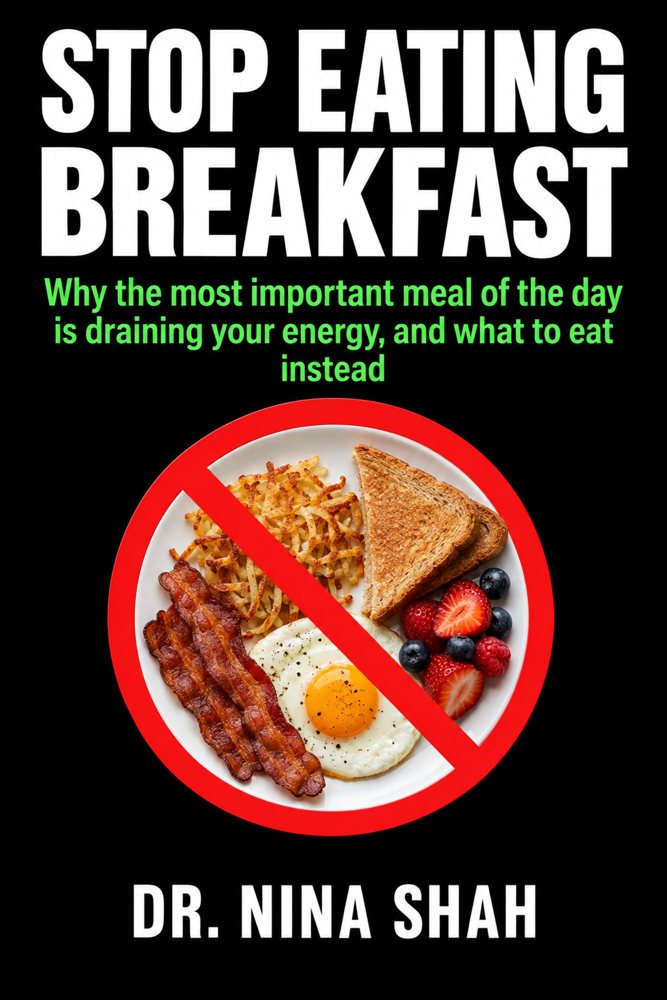
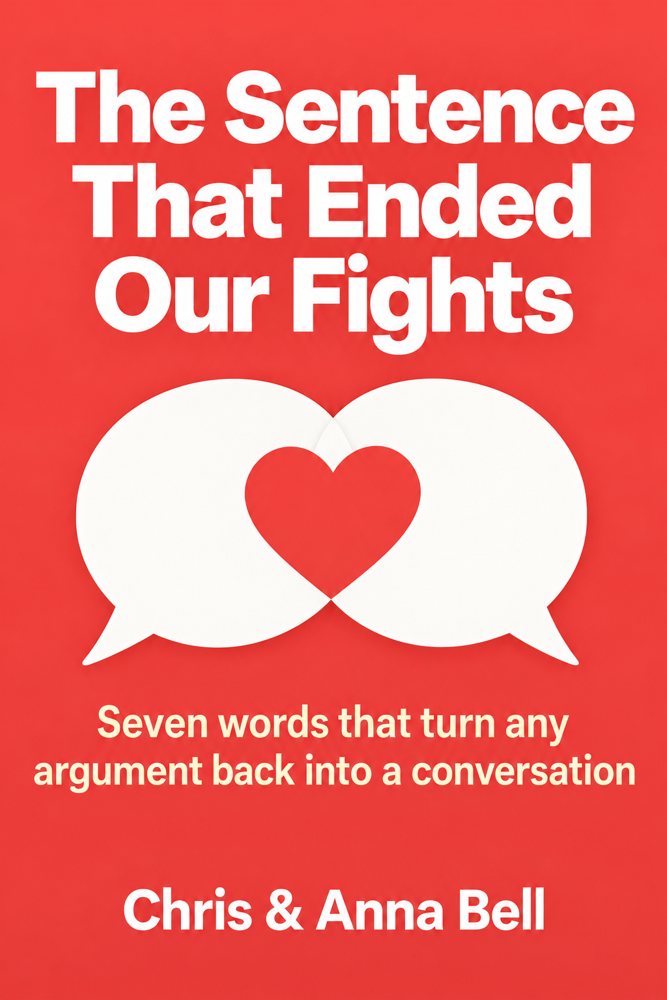
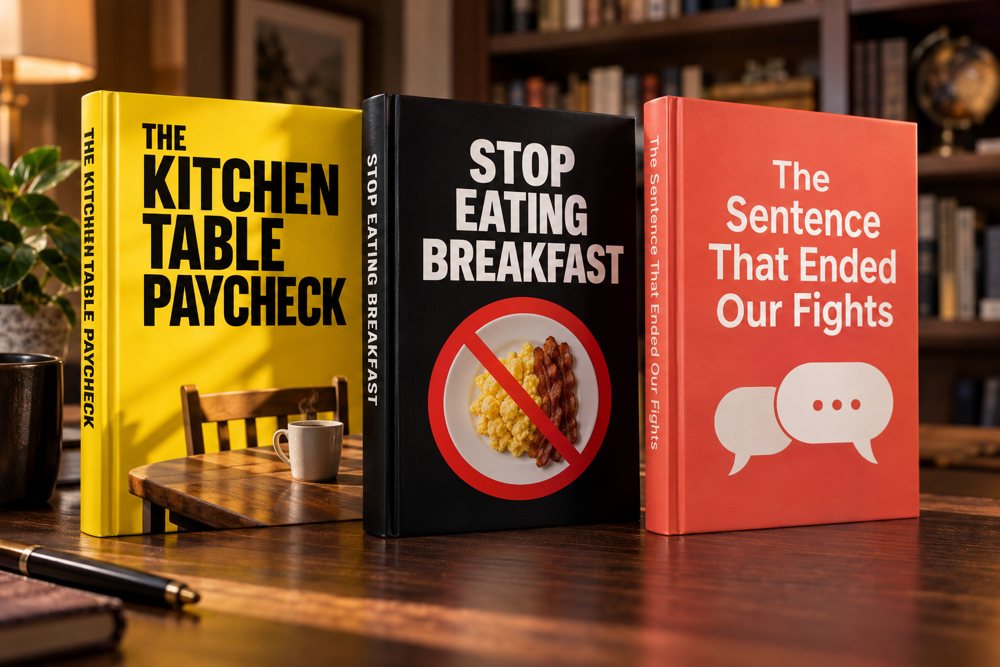
Three book covers and a 3D mockup of them, made in AffiloEngine.
Hiring a freelance creator to make a single video ad usually costs $100 or more, and that's before you've paid for the page, the emails or the pictures.
Signing up to a separate app for each job (a page builder, a writer, an image app, a video app and a voice app) adds up to around $150 a month, and none of them work together.
AffiloEngine puts all of it in one place, starting at $24.92 a month.
Each plan gives you two kinds of credits. Daily credits arrive fresh every morning and get used first. No-expiry credits sit in reserve for the days you make a lot, and they stay until you use them.
Every button shows its price before you press it. The plans differ in how many credits you get, which decides how much you can make each day.
The products in the product finder are selling today, and other affiliates are being paid for those sales right now. The sooner your first page is up, the sooner some of those sales can start coming through your link.
Every one of these was made with the tools on this page.


Pay monthly, or save by paying for one or two years up front. The yearly plans don't renew automatically.
Pages, emails and pictures every day while you get your first products going.
Enough credits for a new video ad every day.
For promoting several products at once, with longer video ads.
Credit examples are based on each tool's prices today. Daily credits reset each morning and don't carry over. Prices are in US dollars. Checkout is secure, and access is instant.
Join, log in and open every tool. Ask Ryan as many questions as you like, browse the templates and look through the B-roll library. If you decide within 30 days that AffiloEngine isn't for you, and you haven't used any of your credits, email support@affiloengine.com and you'll get a full refund.
No. Every tool starts from plain words or a product's web address, and the bigger tools show you a short guided tour the first time you open them. If you get stuck, ask Ryan.
No. Page Builder puts your pages online and hosts them for you, and it doesn't use any credits. If you'd rather use your own hosting, you can download any page as HTML.
No. You choose the angle, the script, the voice, the person and the look, and you can change any word or picture after it's made.
If you want to make video ads regularly, choose Gold, because its daily credits cover a short video ad every day. Silver is fine for pages, emails and pictures. Platinum suits people promoting several products at once. You can top up credits on any plan.
You'll get a fresh batch of daily credits the next morning, or you can buy a top-up straight away. Top-up credits never expire. Page Builder keeps working either way.
Not on the yearly or two-year plans. They don't renew automatically, so when your time is up you decide whether to carry on. The monthly plan renews each month, and you can cancel it whenever you like.
Yes. The pages, emails, pictures, audio and videos you make are yours to use in your own marketing. Ads still have to follow the rules of whichever site you run them on.
It makes your pages, emails and ads, and Ryan can help you plan where to use them. You still post them, run them or send them yourself.
Email support@affiloengine.com within 30 days of joining. As long as you haven't used any credits, you'll get a full refund.
Here's what happens when you join:
You pick the product with Ryan's help, and the tools make the rest.
To your success,
Founder, AffiloEngine
P.S. AffiloEngine makes the page, the emails, the pictures and the video ad that your affiliate link needs, and you can open every tool and ask Ryan anything before you spend a single credit. If it's not for you and you haven't used any credits, email us within 30 days for a full refund.
P.P.S. The yearly plans don't renew automatically. You pay once for the year, and when it's over you choose whether to stay. Nobody gets a surprise charge.
